Lab 2.2: Troubleshooting Pool Member
Logout of BIG-IQ and Login as paula with the password of paula
Select one of the applications site42.example.com.
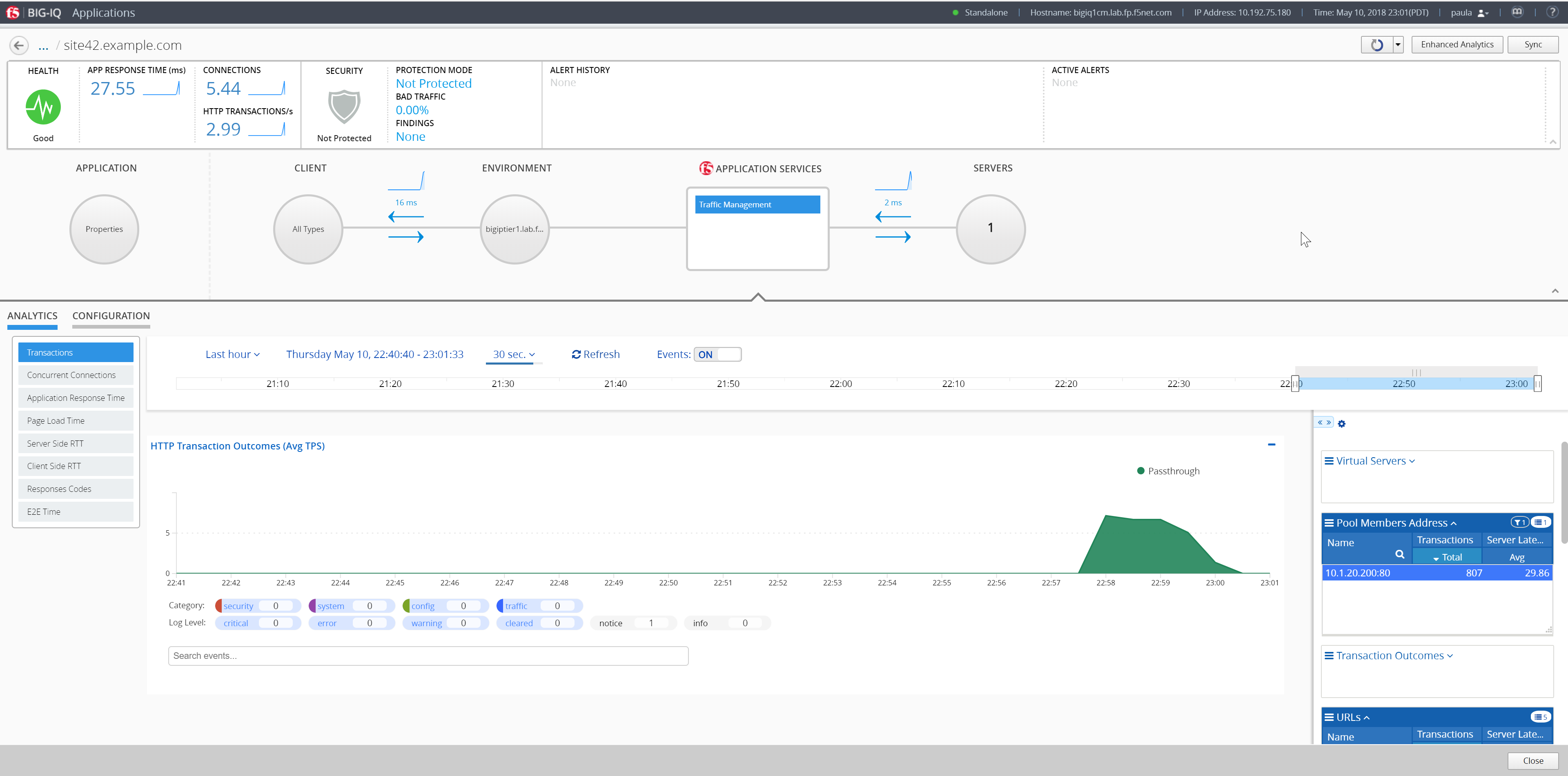
Click on SERVERS (circle button), then select the CONFIGURATION tab.
One node should be displayed.

Click on Create and add a wrong node 1.3.5.6 with port 80, click Create
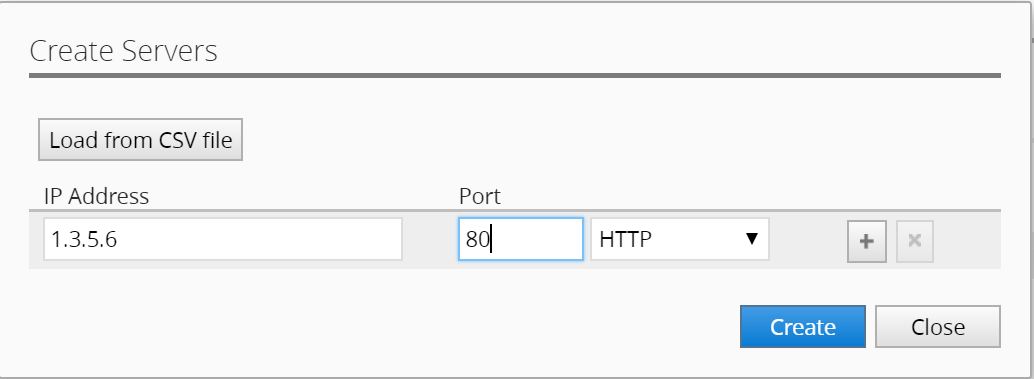
You should see a Deploying application changes… yellow banner indicating the deployment is in-progress. It may take a minute or so to deploy.
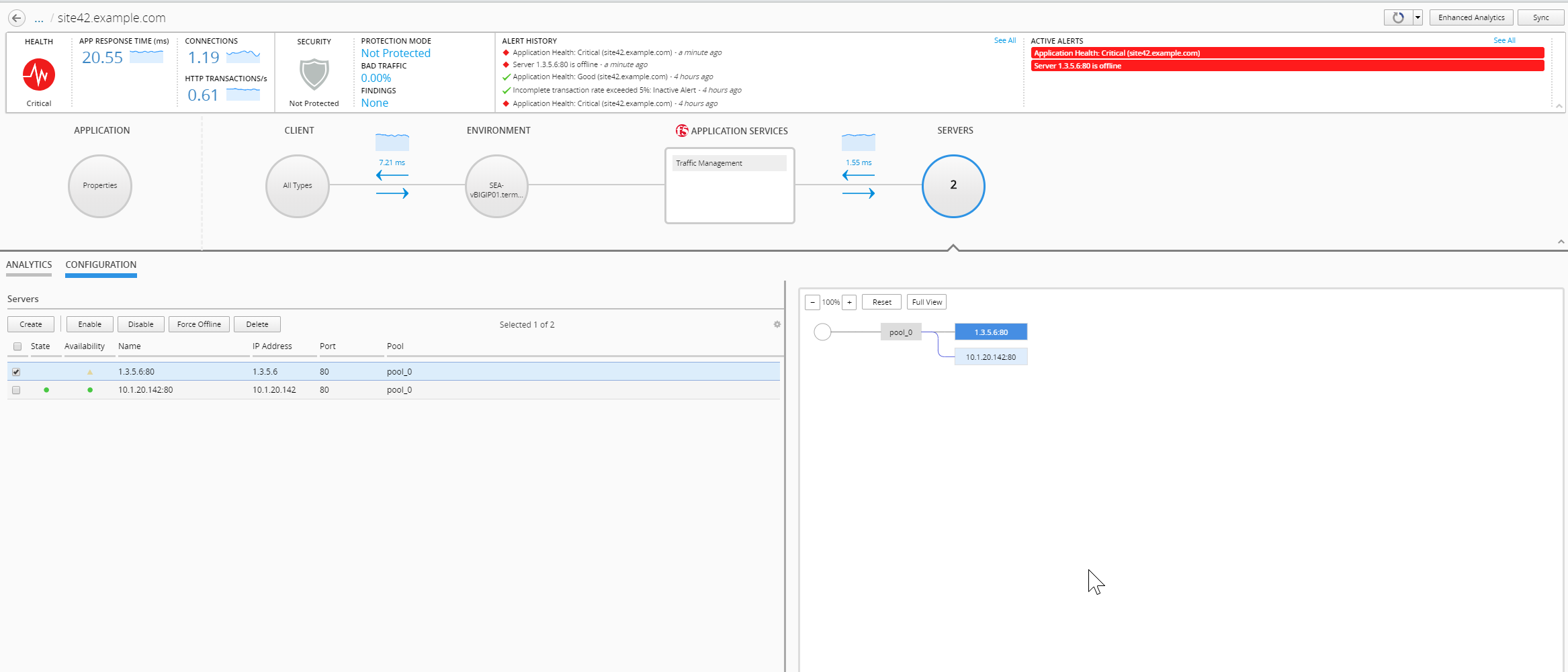
Once deployed, you should see the pool member in the list and it should be red as that IP address doesn’t exist and is not responding to our health checks configured for this application.
In a few more minutes, an alarm is raised showing the unhealthly pool member.
You can see the alerts under Active Alerts. If you click back out of the site in the dashboard, you will see that site42 is in Critical Health.
Note
The health monitors for this template are set to 1 minute polling in order to reduce network traffic in the lab.
Remove Pool Member
Delete the unhealthy pool member you just created to clear the alarm.
Congratulations you have completed the lab!!
Thank you for participating!