Module 3: Renew expired certificates and Deploy from BIG-IQ to managed BIG-IP
We will now test how to renew an expired certificate on BIG-IQ, and push the renewed certificate & key pair to the managed BIG-IPs.
Step 1: Renew the expiring certificate
In the Certificate & Keys screen, find a link named “app01.termmarc.com”, notice that there is a yellow triangle in the first column “Status”. This means that the certificate is expiring soon, and we need to renew it.

Move the mouse over to the yellow triangle in front of the Managed State of the certificate app01.termmarc.com.
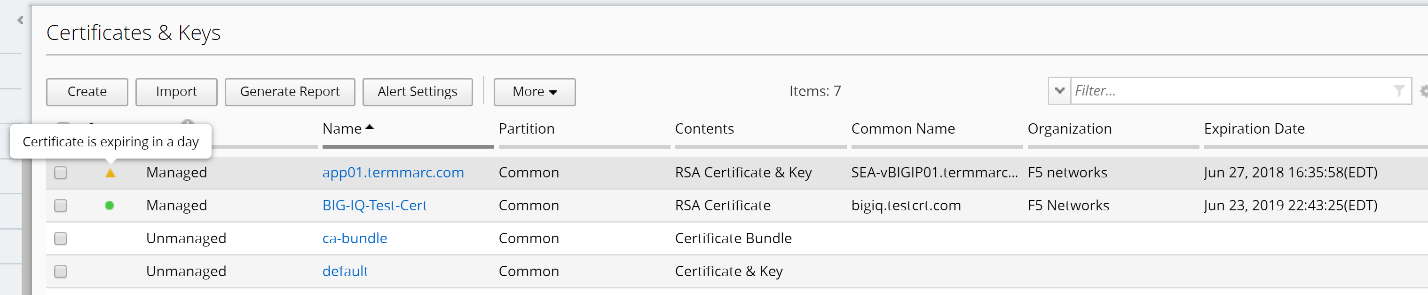
Click on the app01.termmarc.com certificate, and click on the Renew Certificate button on the right upper corner.

Accept the default Duration 365 days, and click on Renew button on the right lower corner.
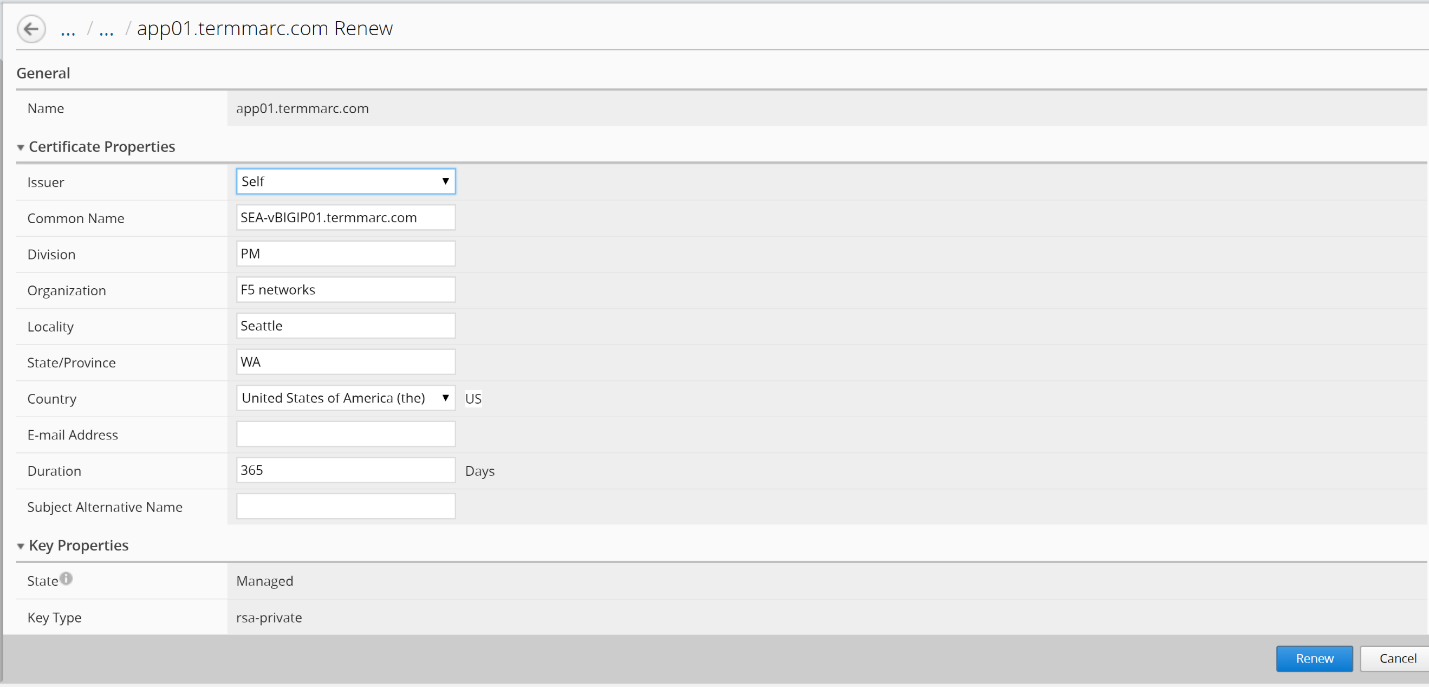
The certificate is now renewed to 365 days of Duration.
Step 2: Deploy the renewed certificate to target device
At the top of the screen, click Deployment.
On the left, click EVALUATE & DEPLOY > Local Traffic & Network, then click on Create button under Evaluations.
Enter a task name “Deploy-Renewed-Cert”, in Evaluation section, select Partial Changes next to Source Scope line item, the list of Source Objects appears. Select “Certificate” from the dropdown list on the left Available section, and move the certificate app01.termmarc.com to the right side Selected box.

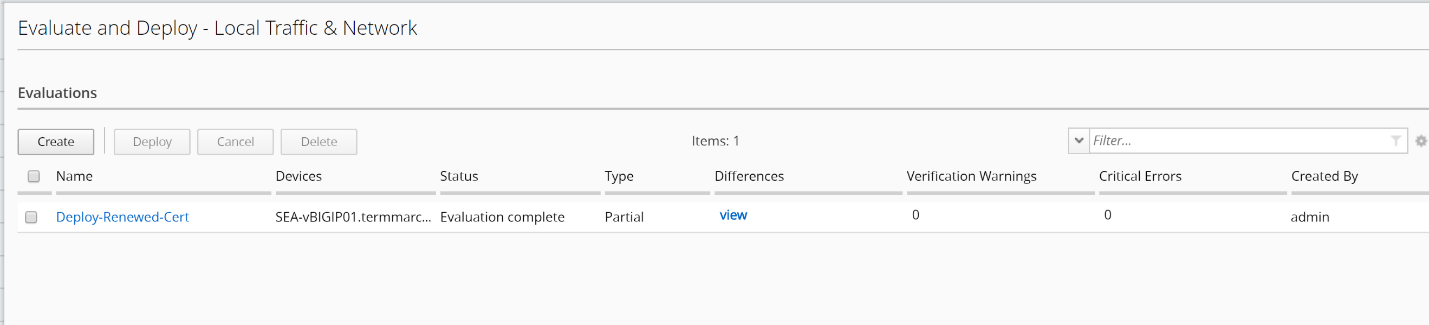
Scroll down the screen and click on “Find Relevant Devices”, you will see SEA-vBIGIP01 listed in the Available section on the left. Select and move the device to the right side Selected box, and click on Create button. The evaluation starts, and you will see the Status marked as Evaluation Complete when it is done.

Click on the View link in the middle of the screen under Differences column.
Review the differences between the BIG-IQ certificate and the BIG-IP certificate for app01.termmarc.com.
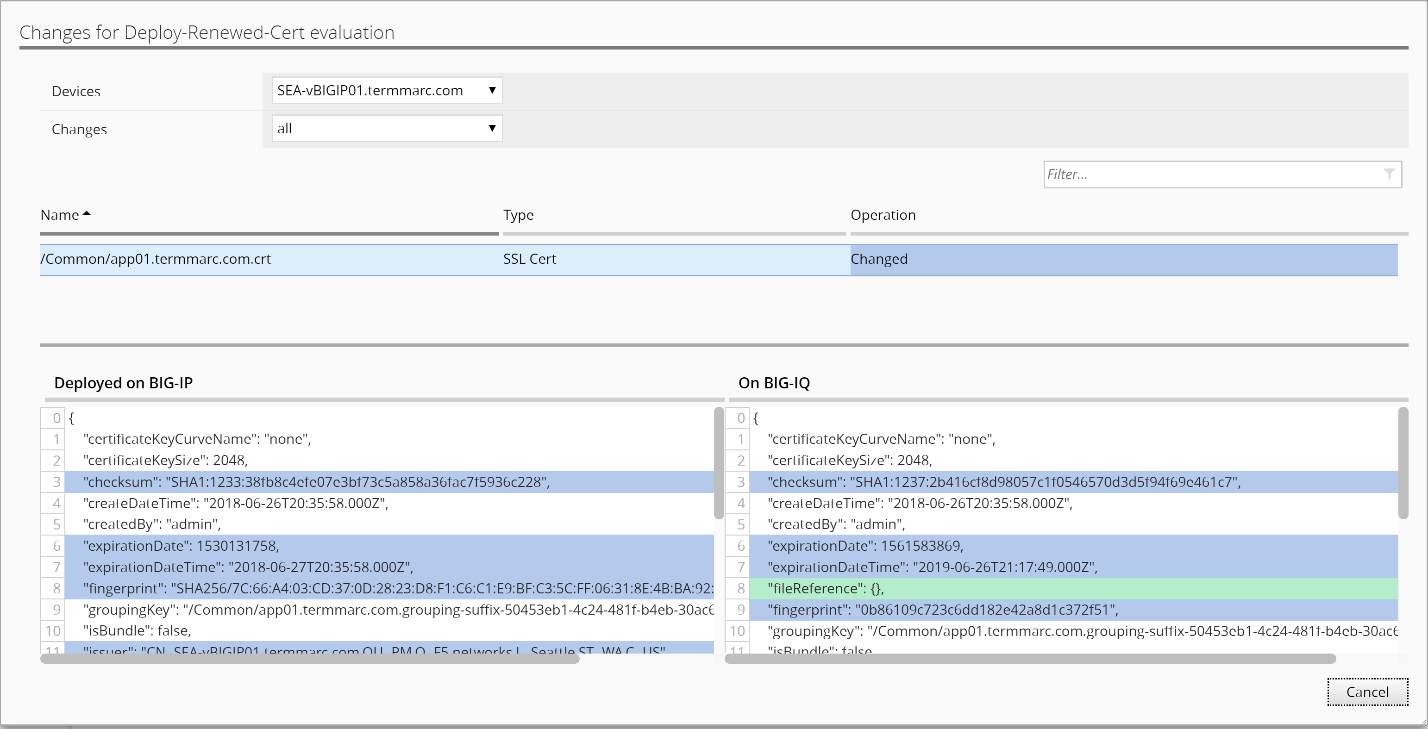
Cancel the window to return to the previous screen, select the evaluation “Deploy-Renewed-Cert” and click on Deploy button above. Click on Deploy again to confirm.
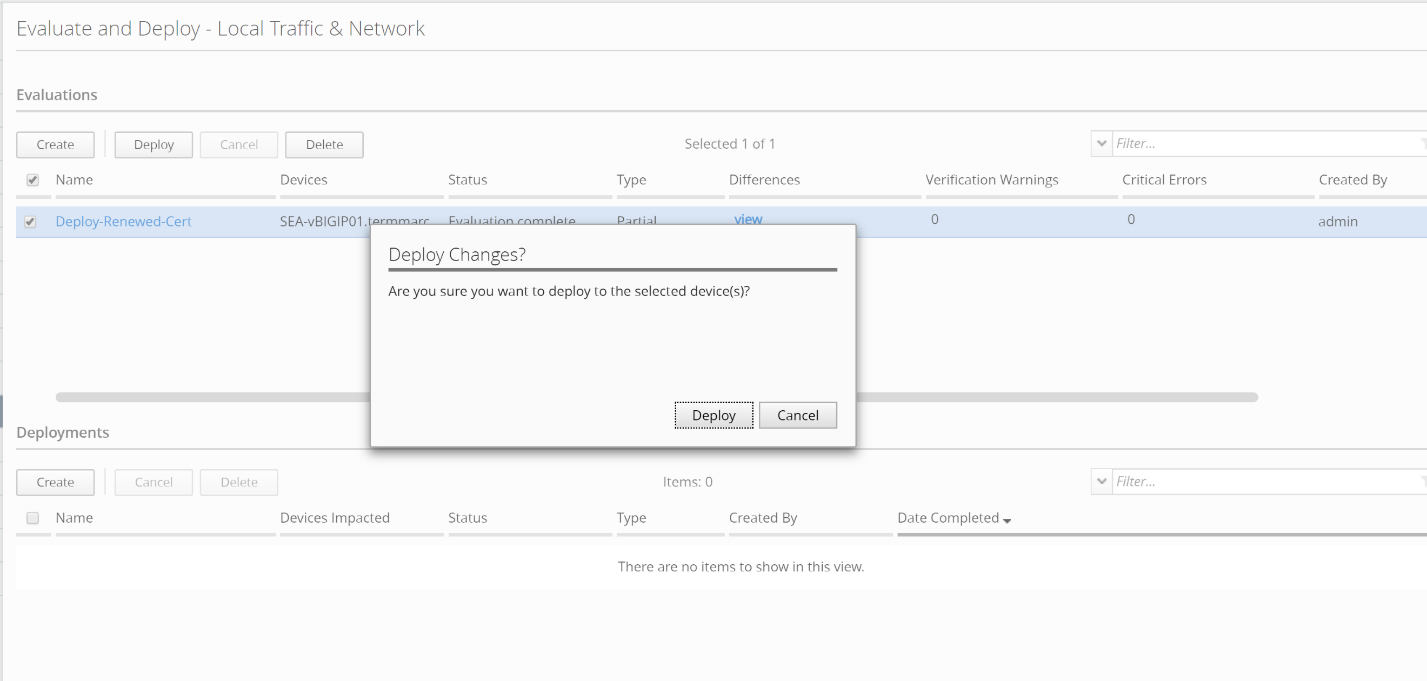
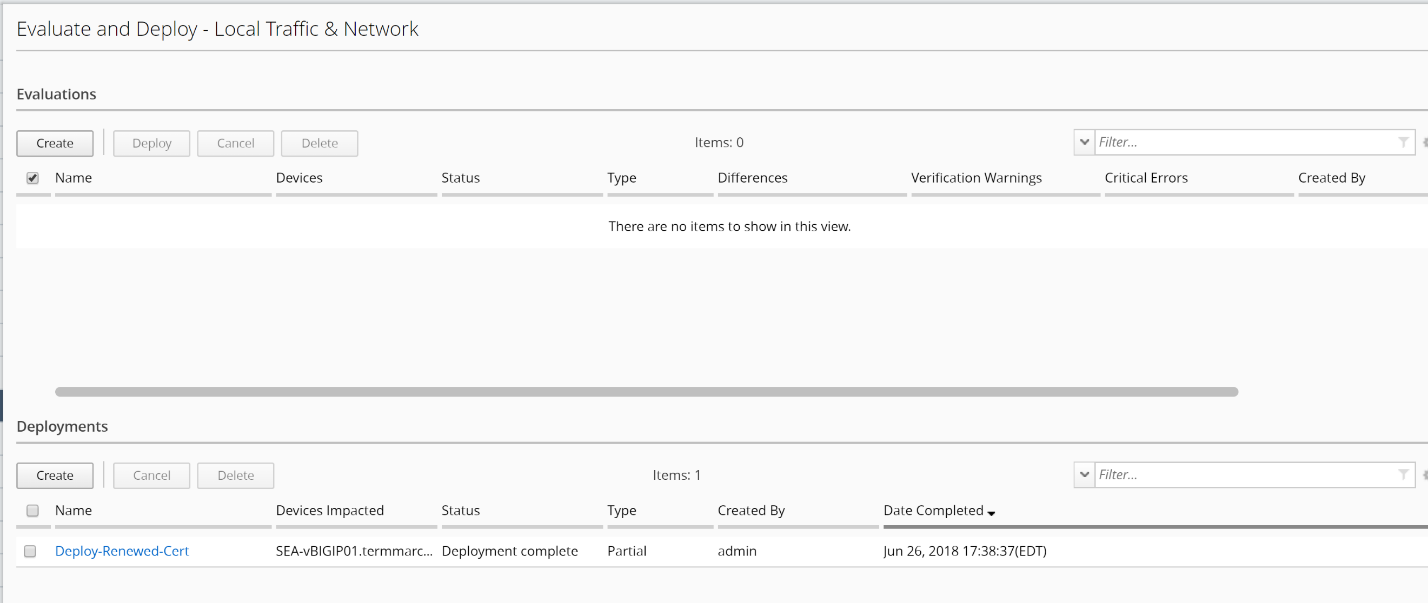
Now the deployment is completed.
Log back into SEA-vBIGIP01 device, navigate back to System ›› Certificate Management : Traffic Certificate Management : SSL Certificate List. Verify that the certificate app01.termmarc.com has been renewed to 365 days duration by BIG-IQ.
