Module 4: Managing permissions for GSLB Objects
View GSLB objects
When you use F5 BIG-IQ Centralized Management to manage your DNS sync group, you can view the GSLB objects that are defined on devices in the sync group.
- At the top of the screen, click Configuration.
- On the left, click DNS > GSLB, and then select the object type that you want to view.
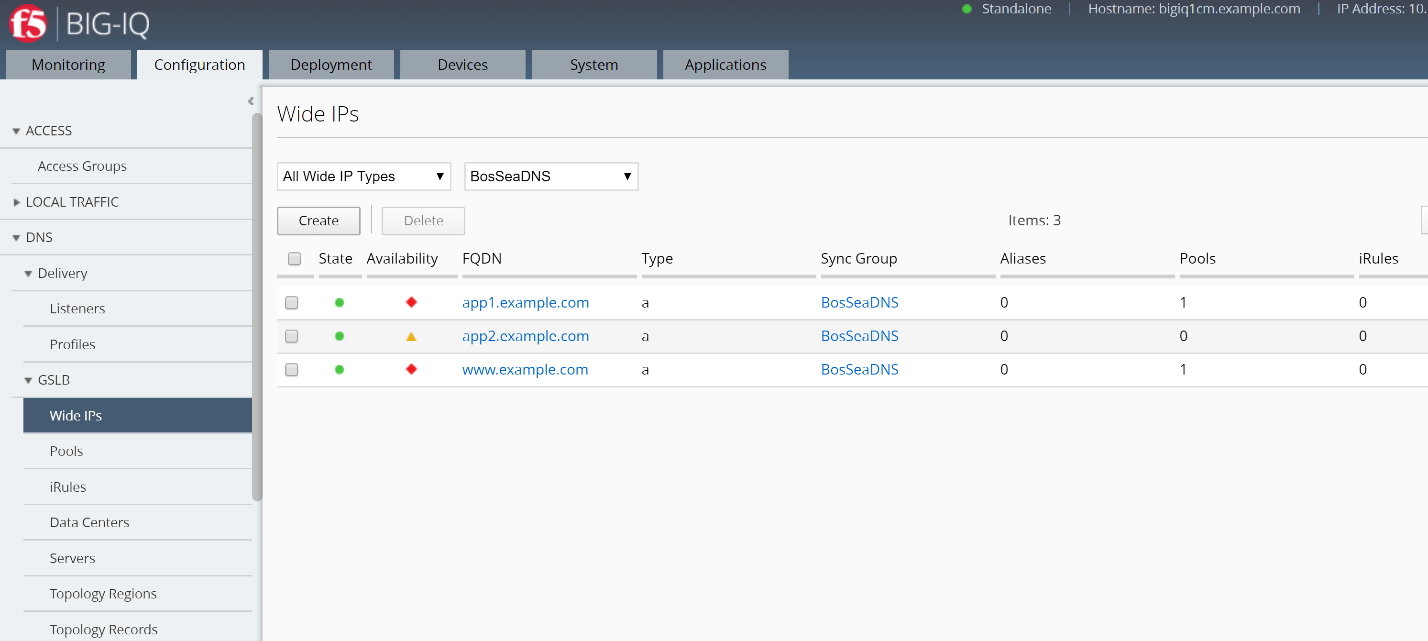
The screen displays a list of the selected object type that are defined on devices managed by this BIG-IQ system. For each object (except topology records or topology regions), icons describe the health status and availability.
- To view overview information about a particular object, select the check box for that object.
An overview panel and a related items panel display for this object.
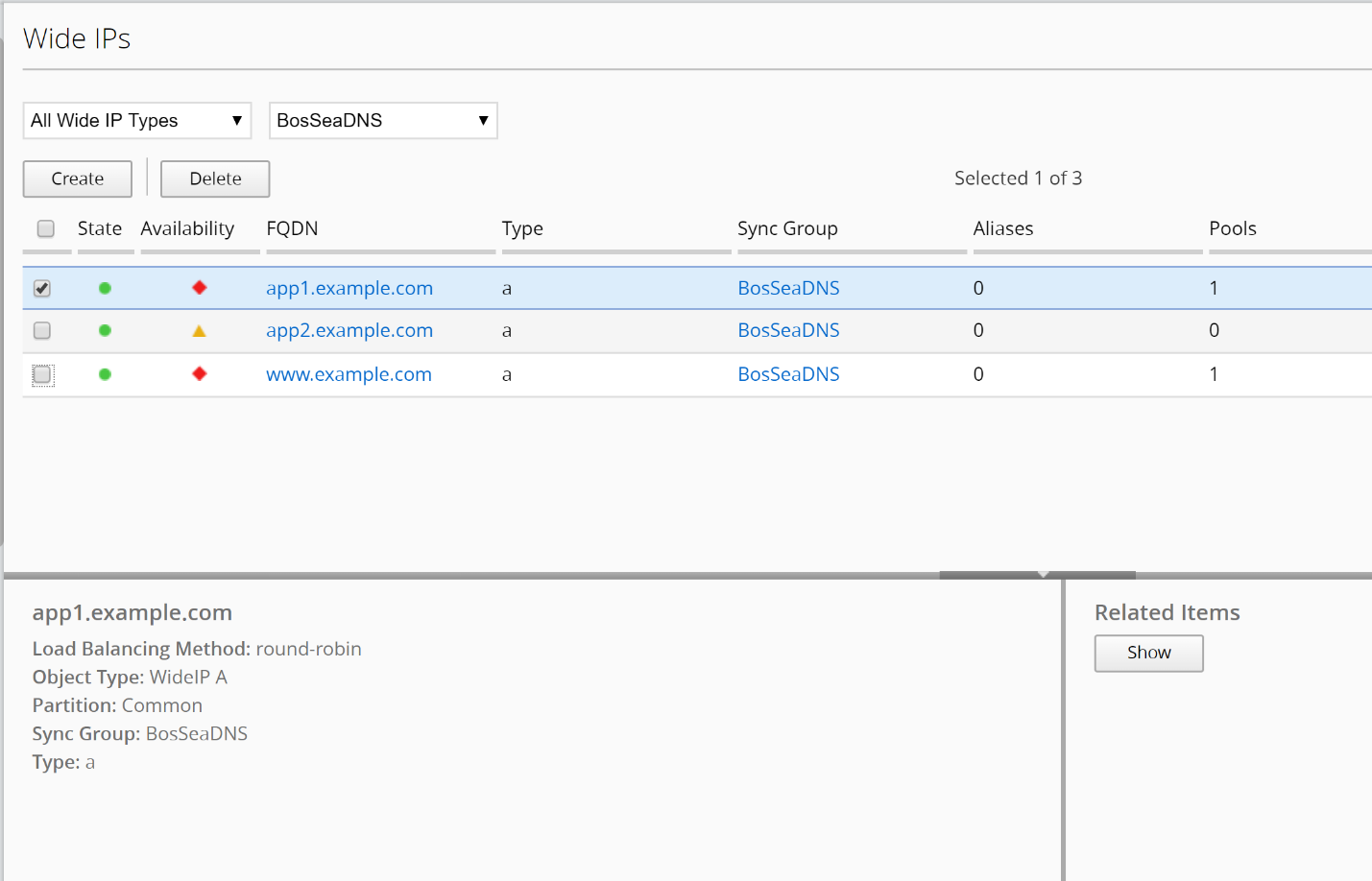
- To see a list of related items for a GSLB object:
- Select the check box for that object.
- In the Related Items panel, click Show.
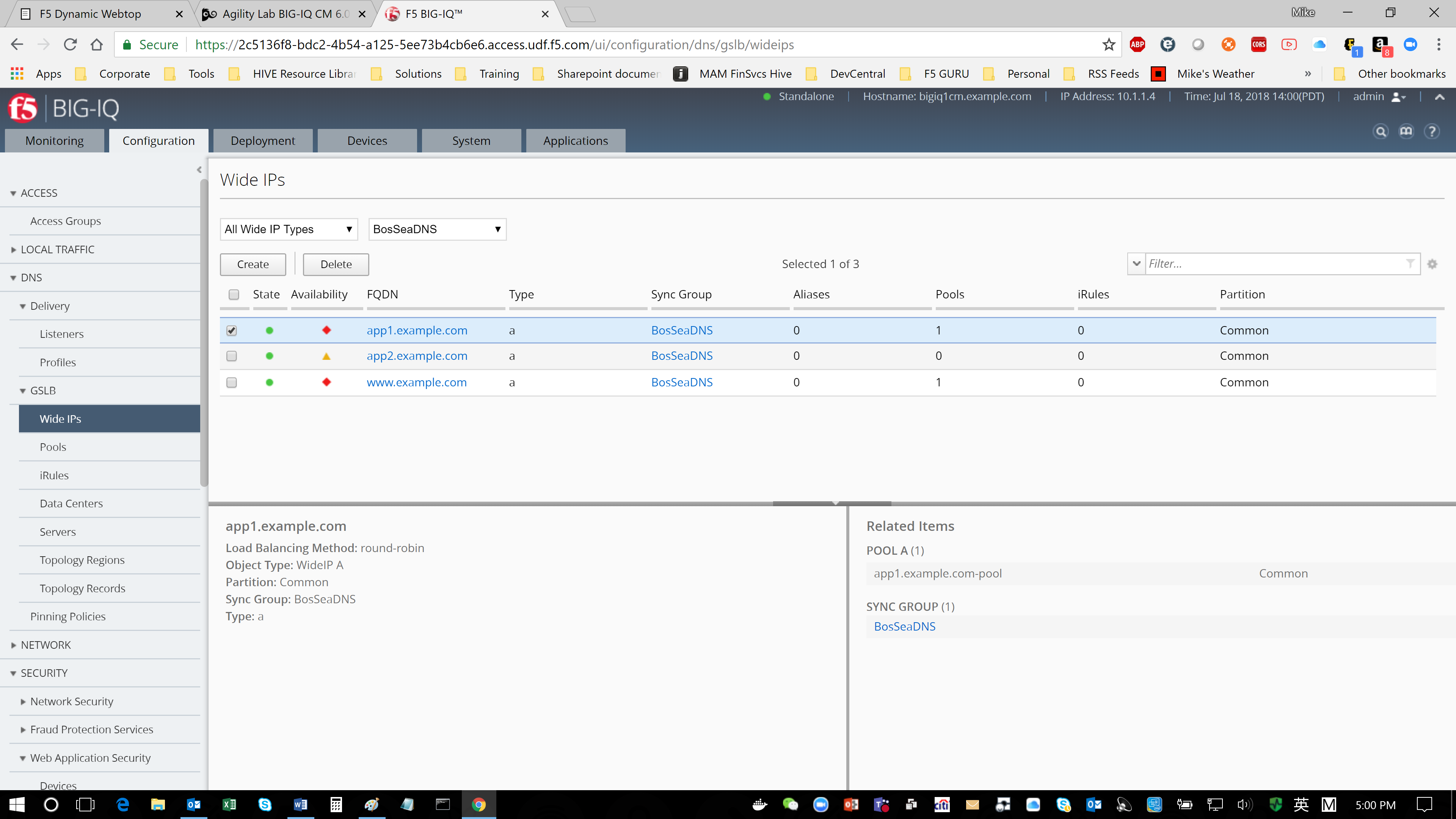
You can view the list of related items; and, for many of the items, you can click on a link to view properties for that item.
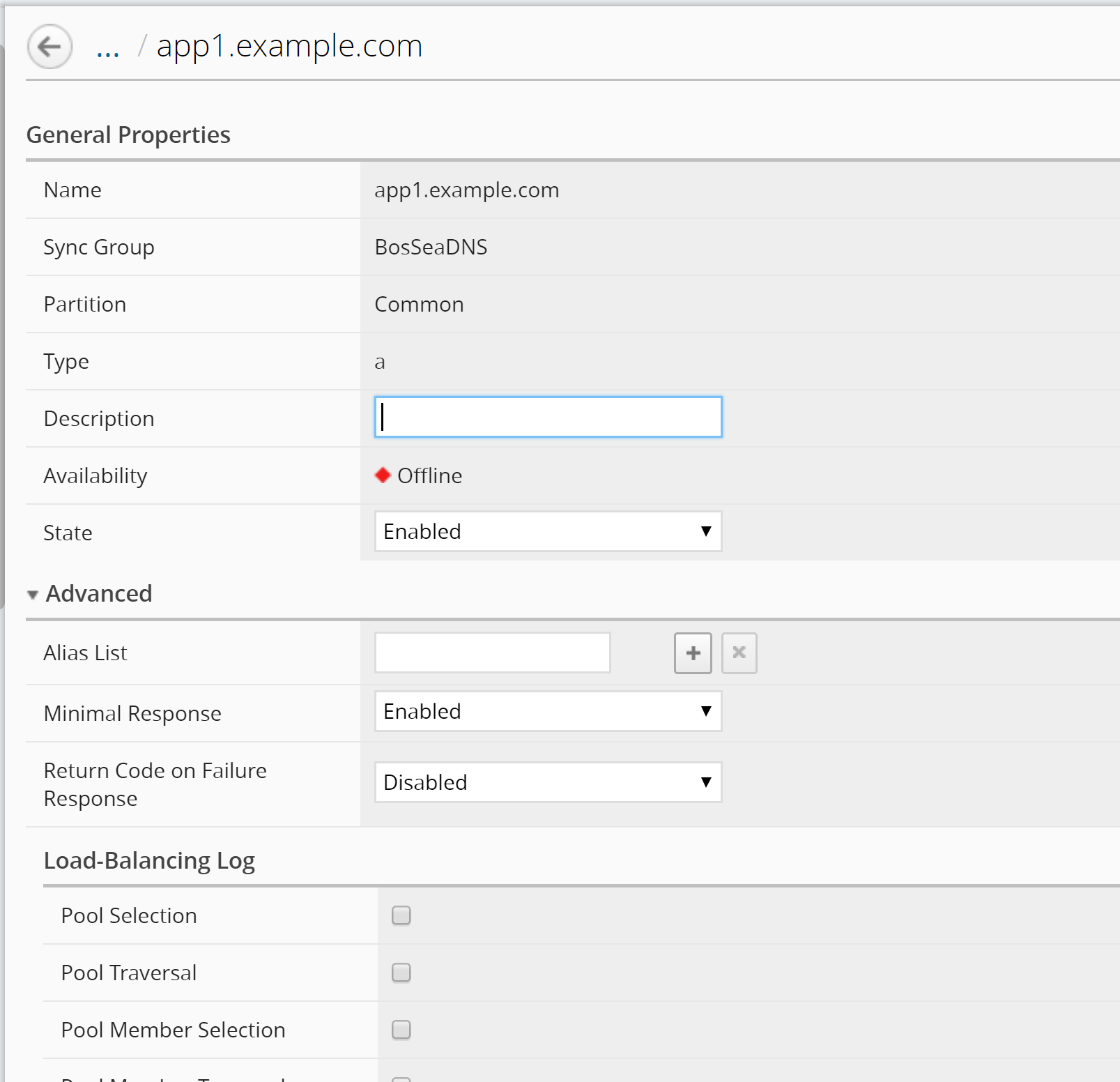
- To view the general properties for a GSLB object, click the name of that object.
The screen displays the properties for the selected object.