Lab 4: Security workflows
Connect as larry
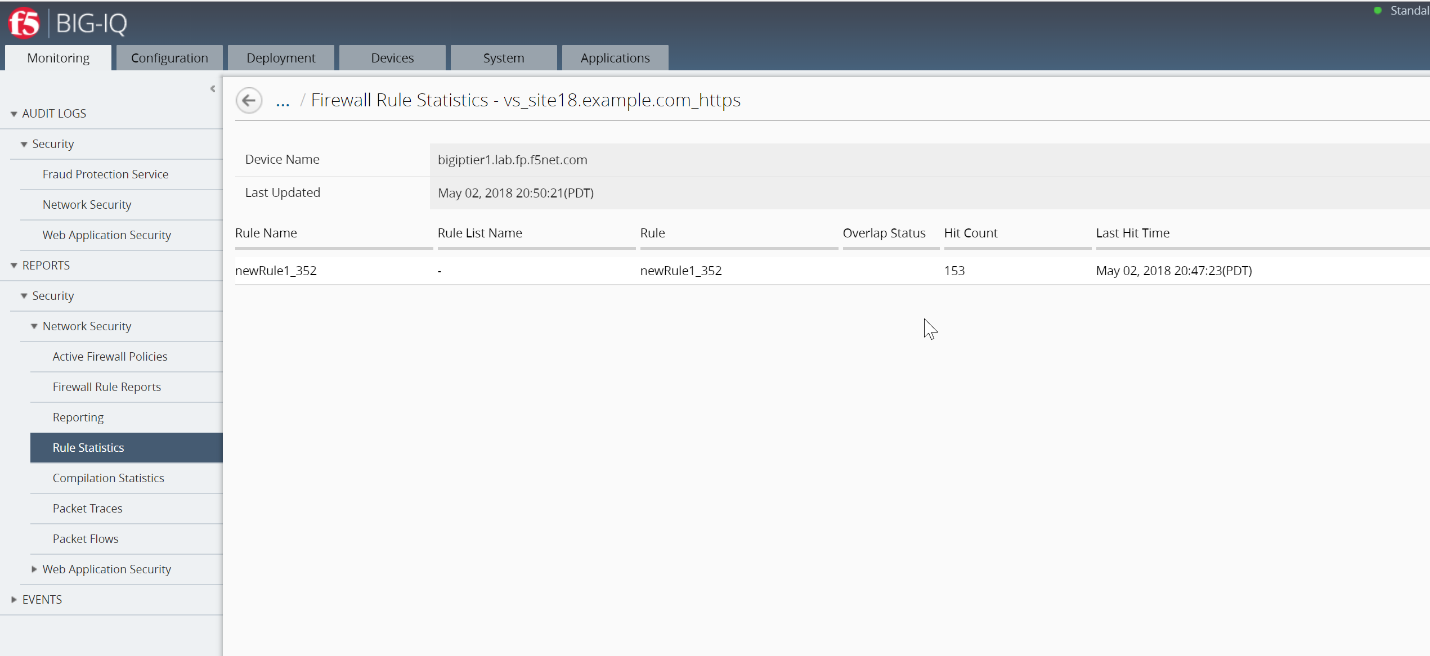
- Larry check the Firewall policy.
Go to Monitoring > REPORTS > Security > Network Security > Rule statistics and select vs_site18.example.com_https SEA-vBIGIP01.termmarc.com
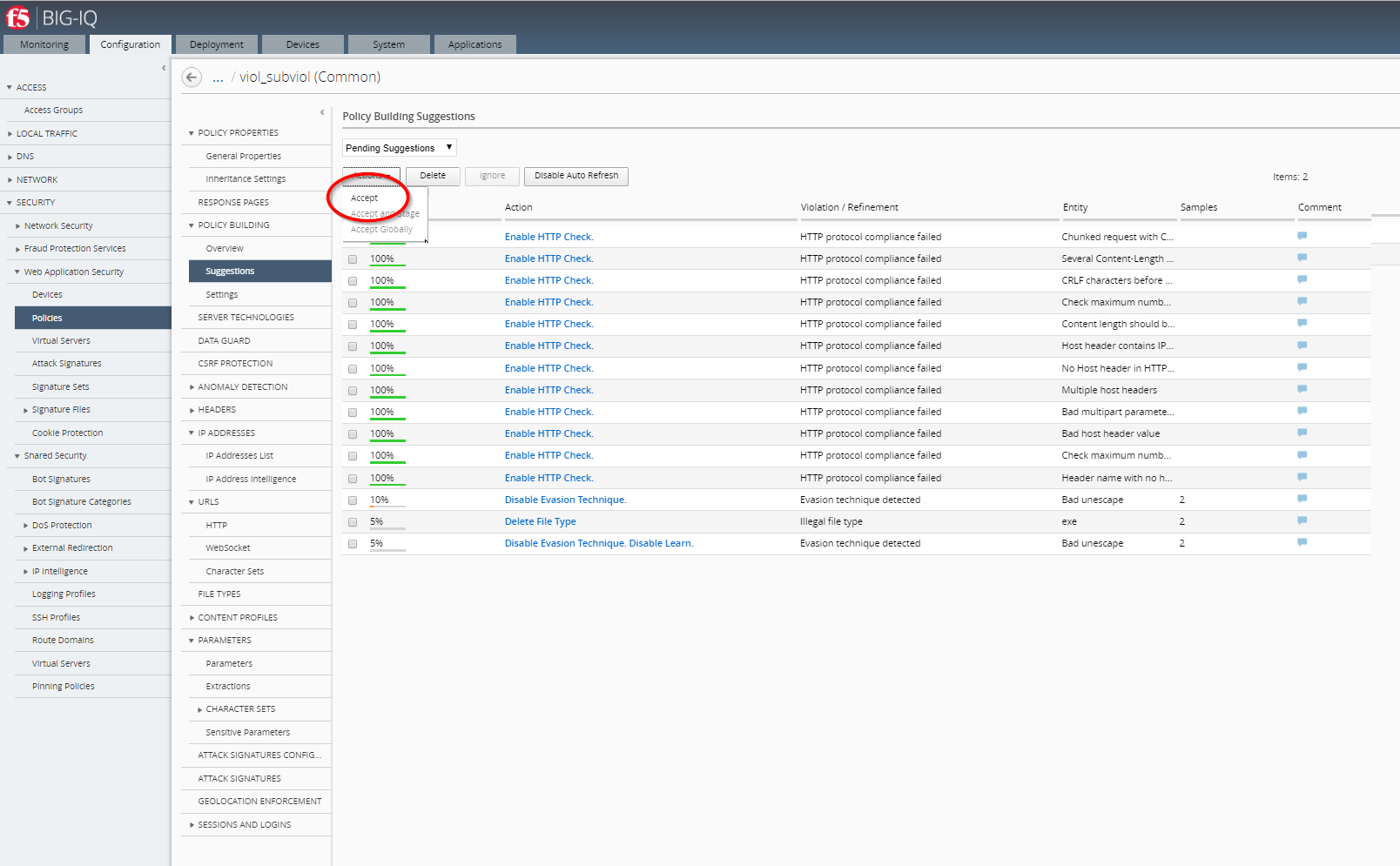
- Larry check the Web Application Security for viol_subviol ASM Policy.
Go to Configuration > SECURITY > Web Application Security > Policies
Click on Suggestions, then Accept the Learning.
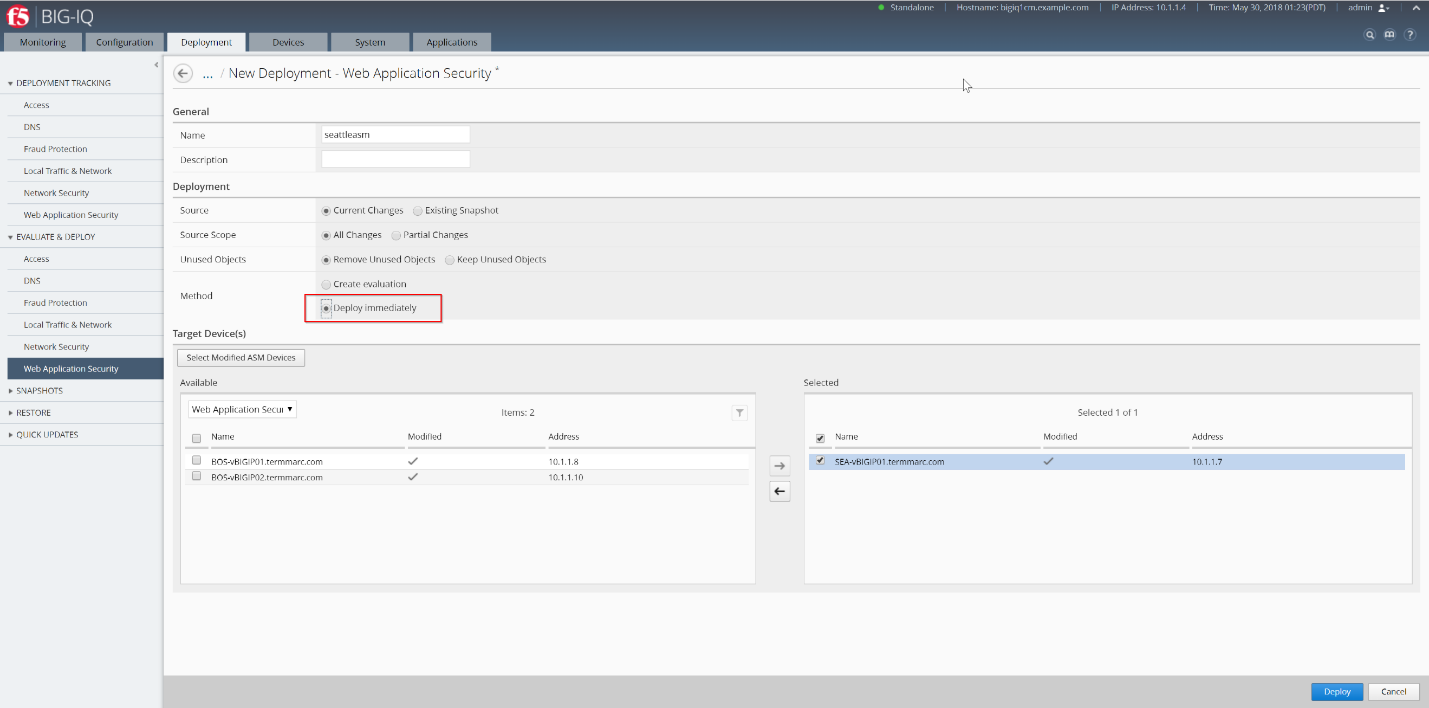
- Go to Deployment > EVALUATE & DEPLOY > Web Application Security
Under Deployments, click on Create. Name your Deployment, select SEA-vBIGIP01.termmarc.com, choose method Deplot immediatly, then click on Create.
- Go back to Configuration > SECURITY > Web Application Security > Policies
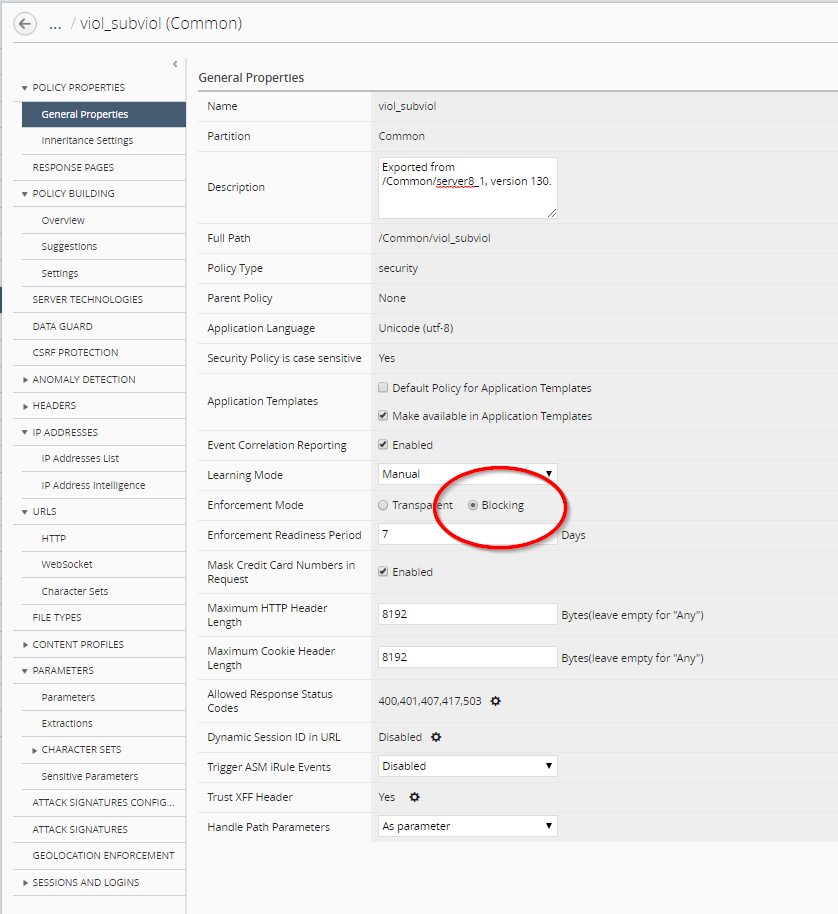
Update the Enforcement Mode to Blocking.
Connect as paula
Select site18.example.com
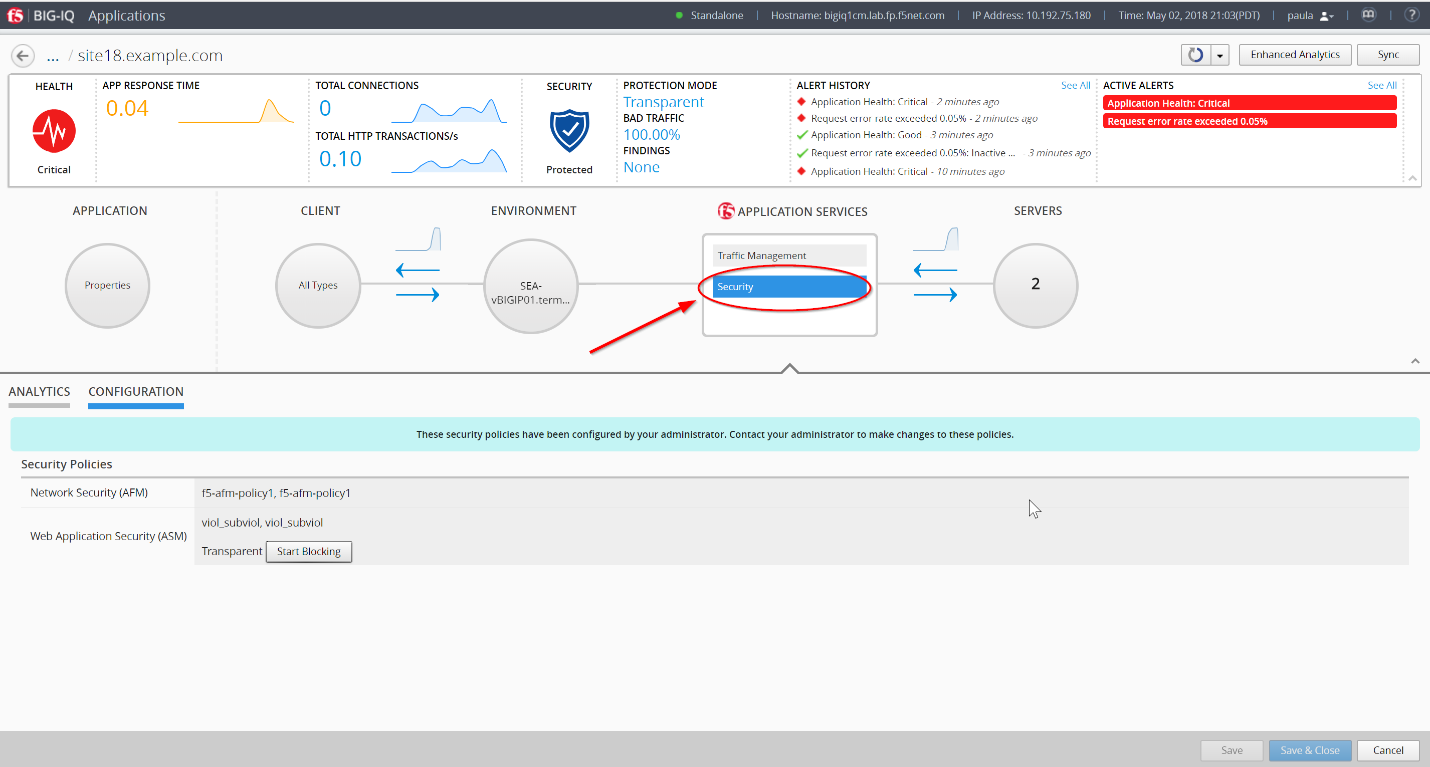
- Paula enforce the policy APPLICATION SERVICES > Security > CONFIGURATION tab > click on Start Blocking
- Let’s generate some bad traffic, connect on the Ubuntu Lamp Server server and launch the following script:
# /home/f5/scripts/generate_bad_traffic.sh
- In Application Dashboard, navigate to the Security Statistics and notice the Malicious Transactions.
Connect as larry
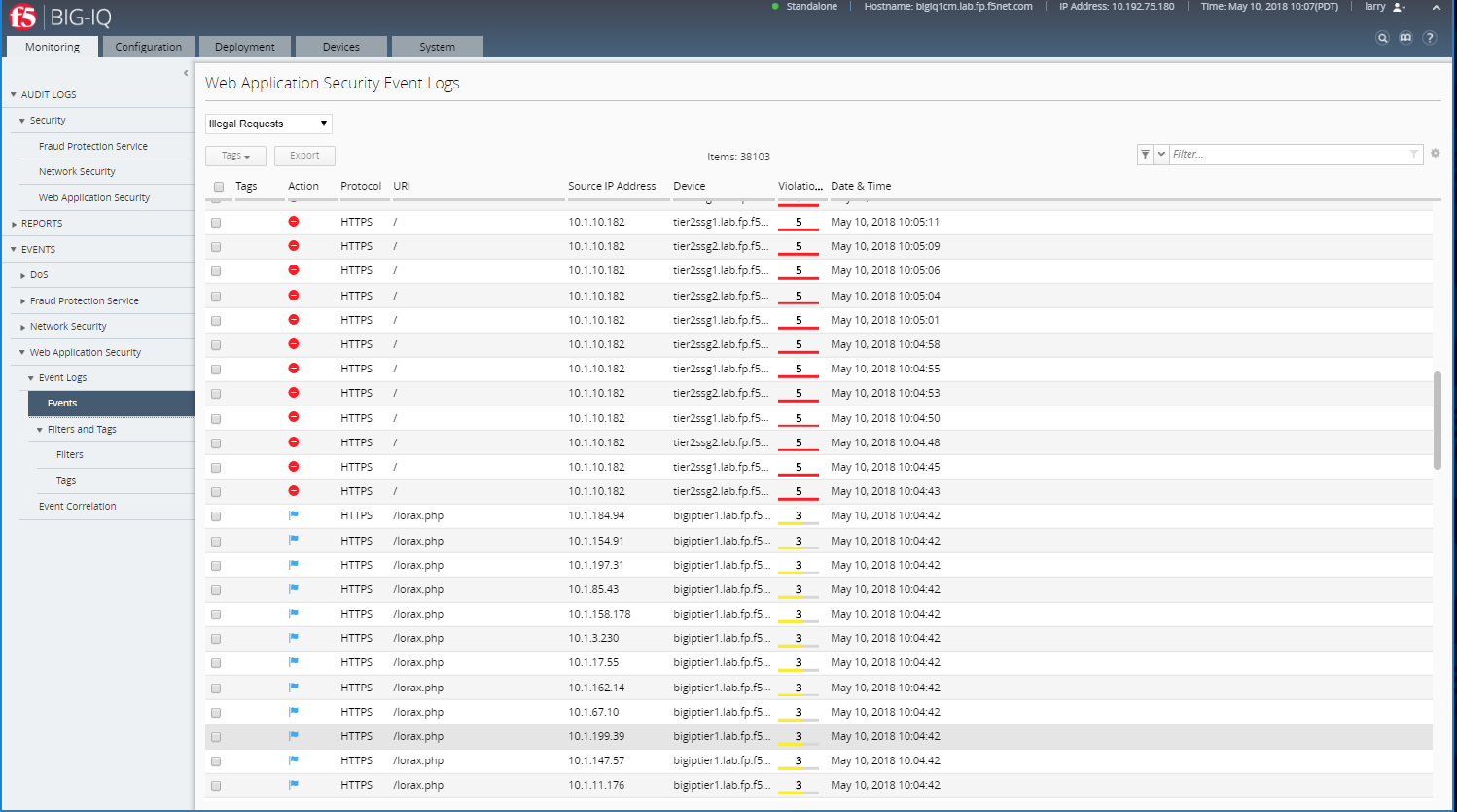
- Check ASM type of attacks
Monitoring > EVENTS > Web Application Security > Event Logs > Events