Lab 2.4: Security workflows
Login to BIG-IQ as larry with password of larry
Check the Firewall policy.
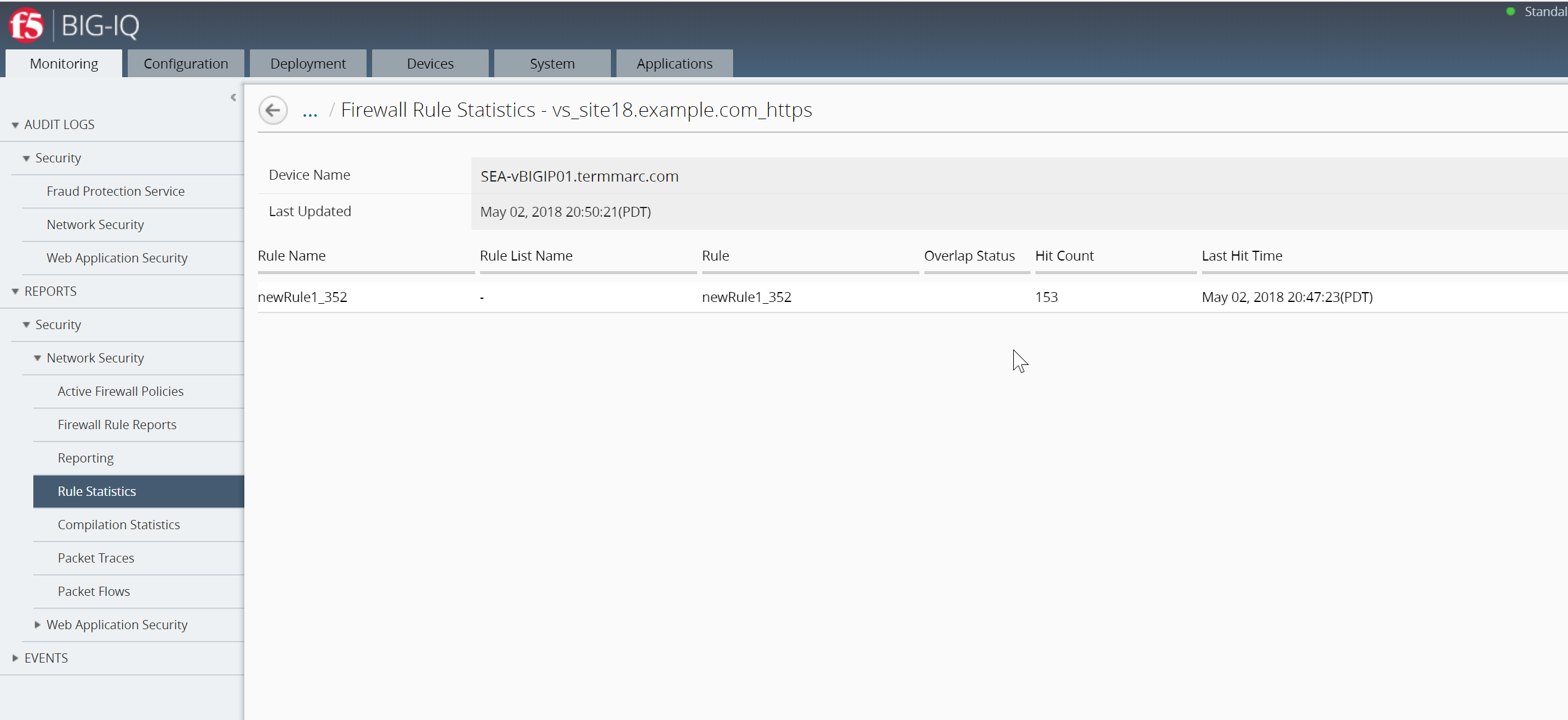
Navigate to Monitoring >> REPORTS >> Security >> Network Security >> Rule Statistics and select vs_site18.example.com_https
Review Hit Count
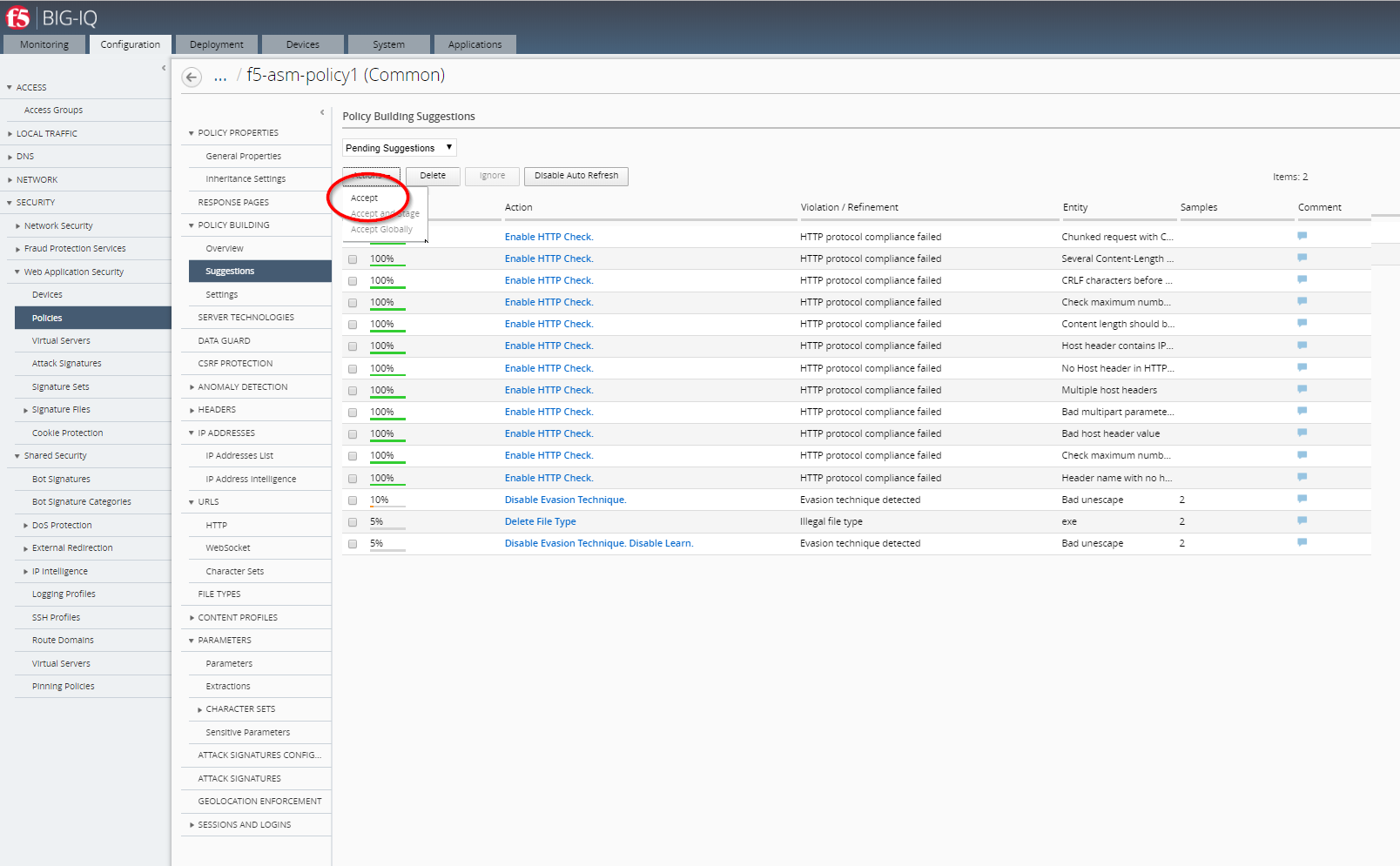
Check the Web Application Security for f5-asm-policy1 ASM Policy.
Go to Configuration >> SECURITY >> Web Application Security >> Policies
Click on that policy and then click on Suggestions, then Accept the all of the learning suggestions.
- Confirm you are logged in as Larry
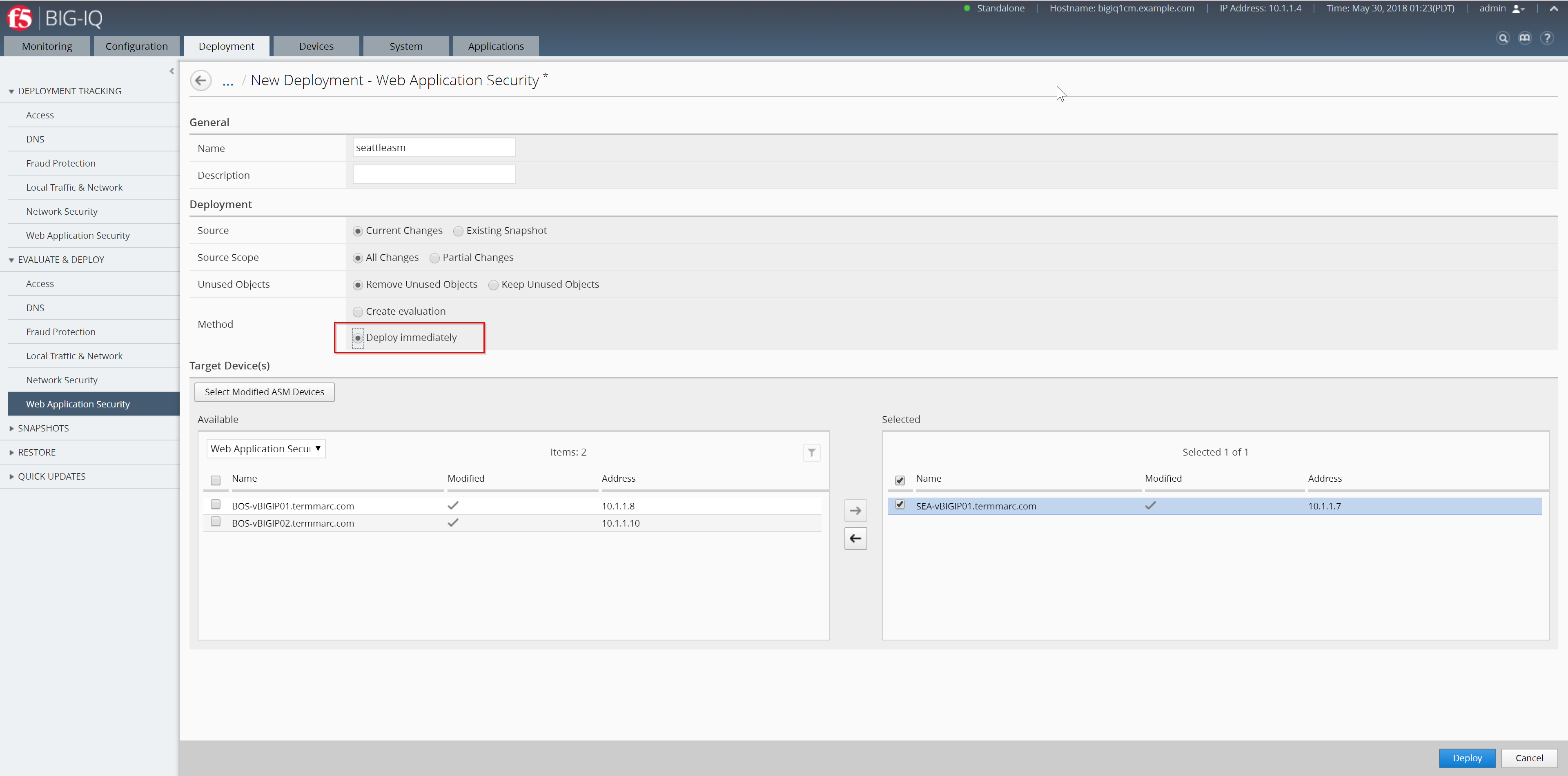
- Go to Deployment >> EVALUATE & DEPLOY >> Web Application Security
- Under Deployments, click on Create
- Name it seattleasm
- On Method select Deploy immediately
- Select SEA-vBIGIP01.termmarc.com (move to right box)
- Click Deploy button (ignore warning message)
- Go back to Configuration >> SECURITY >> Web Application Security >> Policies
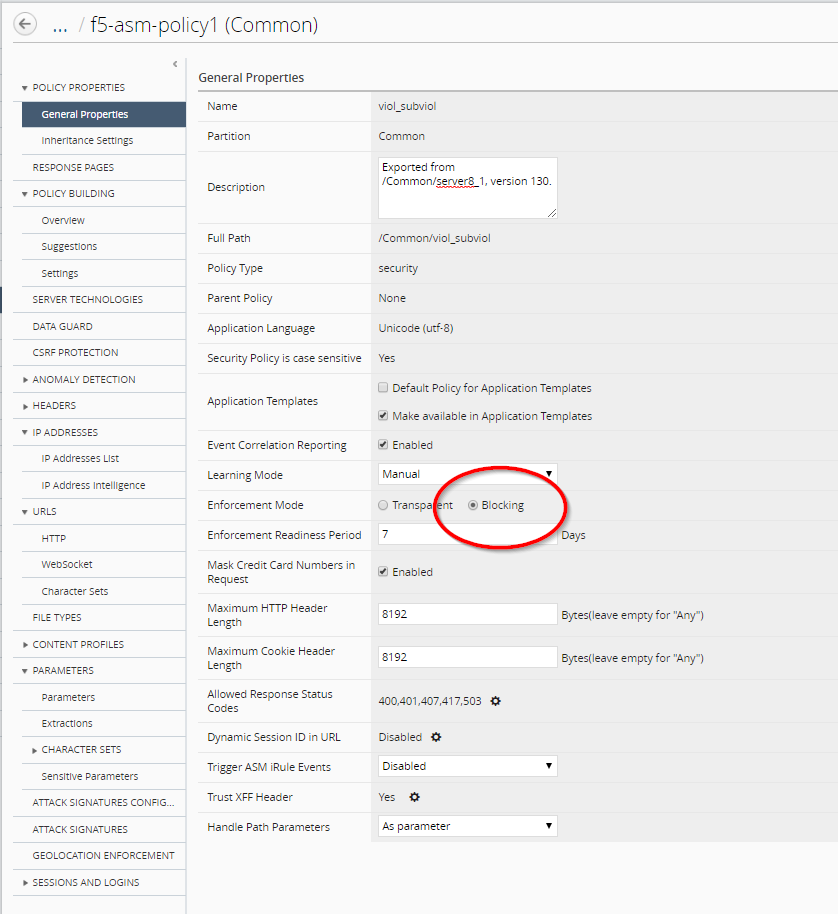
- Update the Enforcement Mode to
Blockingon the policy you created - Click Save & Close (bottom right)
Connect as paula with password of paula
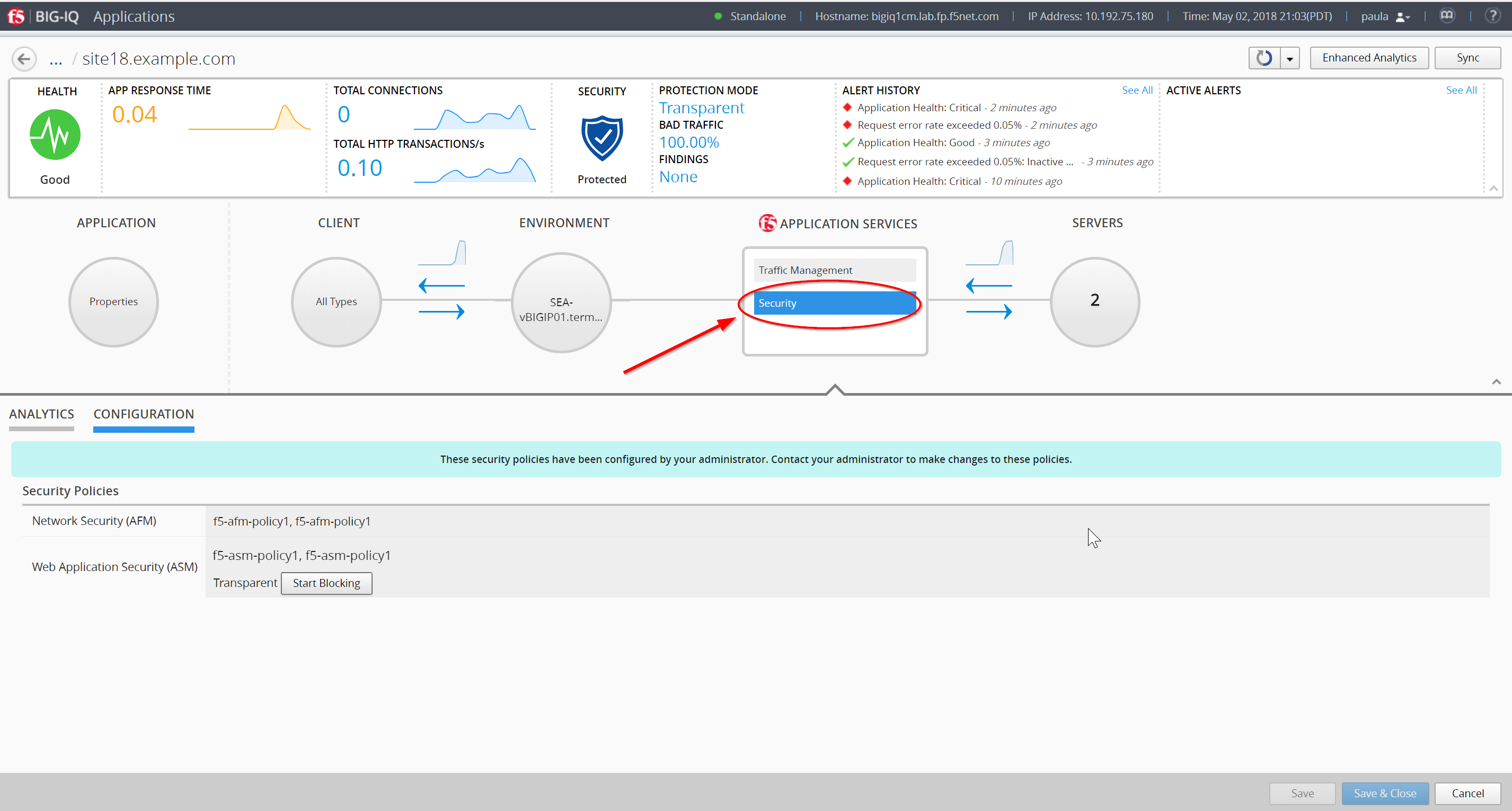
Select site18.example.com
Enforce the policy APPLICATION SERVICES > Security > CONFIGURATION tab > click on Start Blocking
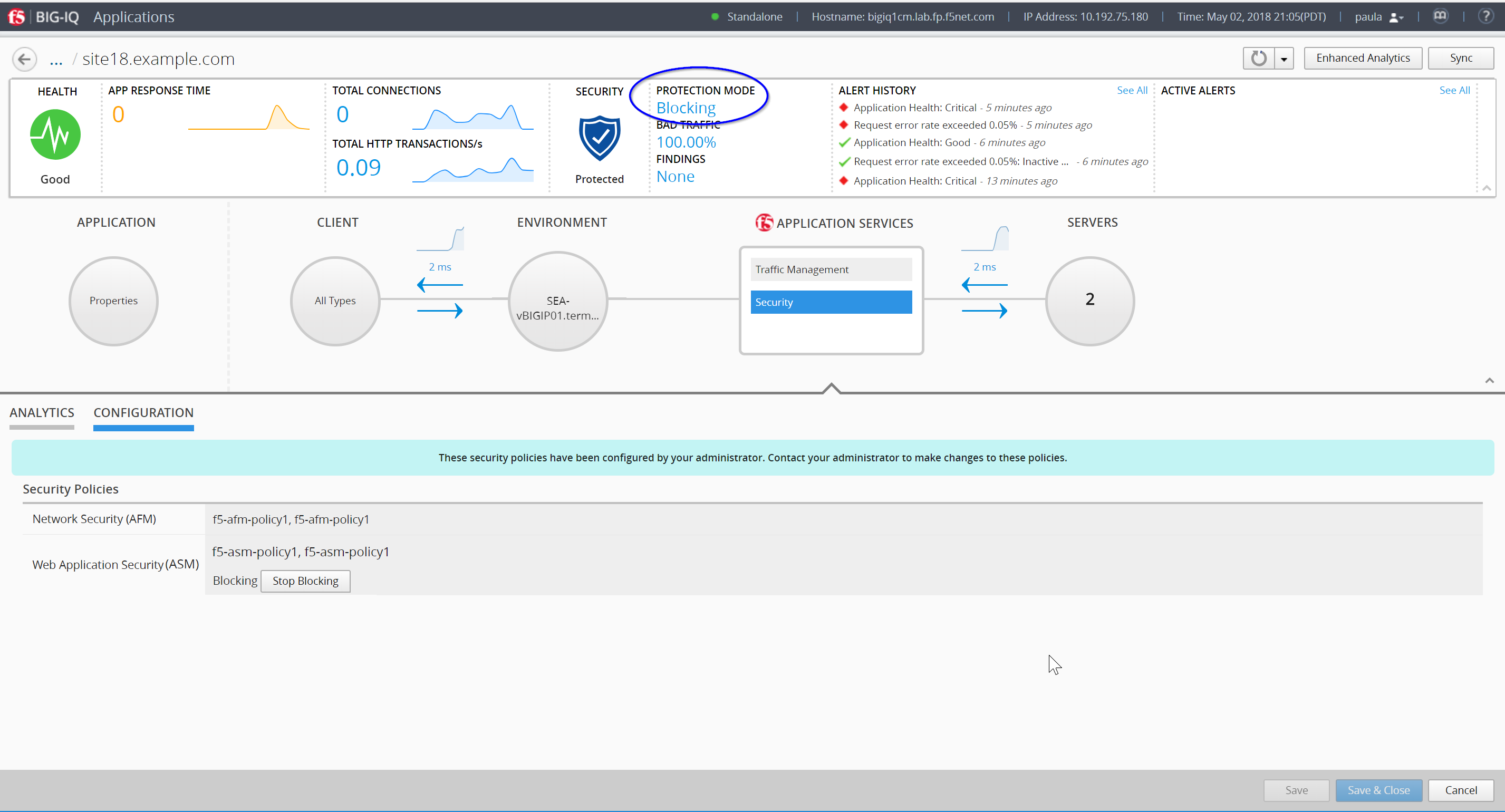
Let’s generate some bad traffic
Using the IP from the Training Portal, SSH into the Ubuntu Lamp Server server with username f5 and password agility
Execute the following script:
# /home/f5/scripts/generate_bad_traffic.sh
Now back on BIG-IQ, click on ANALYTICS in the Application Services - Security (to the left of the CONFIGURATION tab you are in) and notice the malicious transactions.
Logout of BIG-IQ and login as larry with password of larry
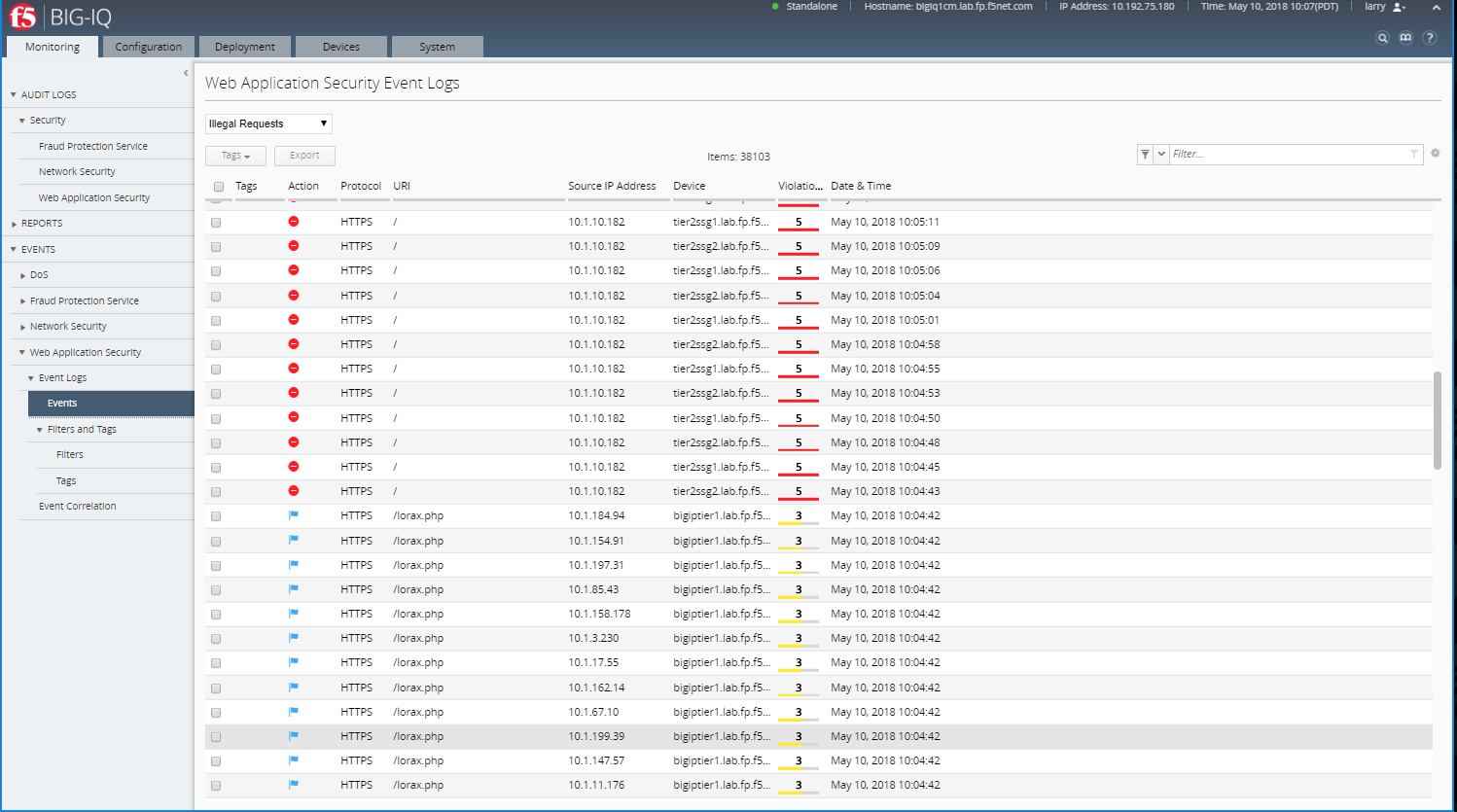
Check ASM type of attacks
Monitoring >> EVENTS >> Web Application Security >> Event Logs >> Events